



RESOPilot Pro initial review and comparison


Stay connected. Hear clearly. Capture every ride.

Capture What Other Intercoms Leave Out
Compatible with select GoPro, DJI Action and Insta360 cameras

World's 1st Intercom with Hardware & Software Mesh

Hear the Rider, Not the Wind
Clear at 110 mph

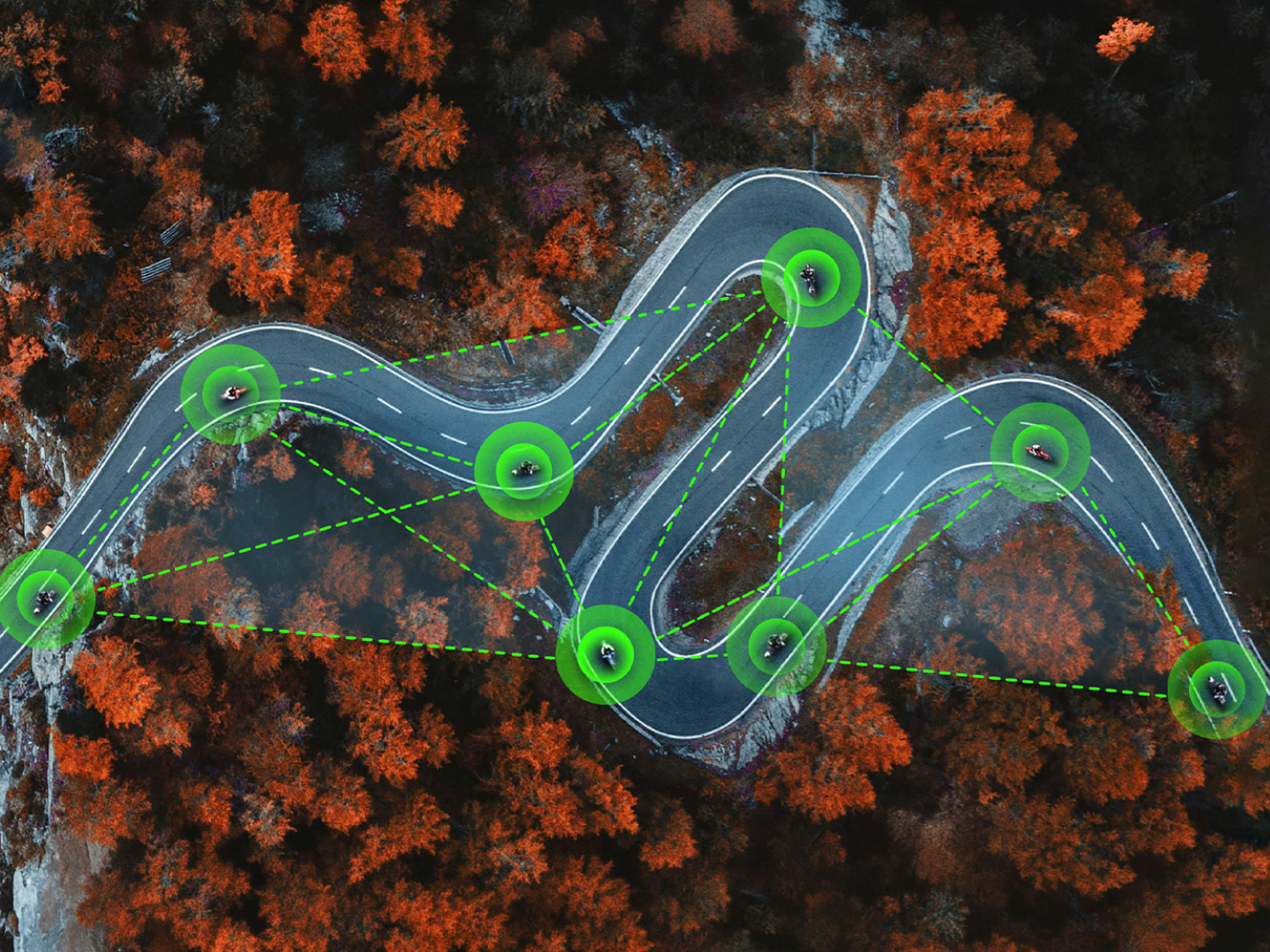
Larger Private Groups——Up to 30 Riders
More Riders. Longer Group Range.

Ride Longer, Charge Less
5 minutes ≈ 2 hours of riding
Less Touch, More Focus
Capture the ride—with cleaner audio from you or the whole crew.
Compatible with select GoPro, DJI Action, and Insta360 cameras.

Connect via USB
Connect via Bluetooth
Conventional intercoms stop where local Mesh ends, while RESOPilot keeps going.


*Up to 30 Riders on Pro. Up to 15 riders on Neo.


*Software mesh and dual hotspot are exclusive to RESOPilot Pro. RESOPilot Neo uses hardware mesh only.

Long-lasting power, fast charging, and added protection for every mile

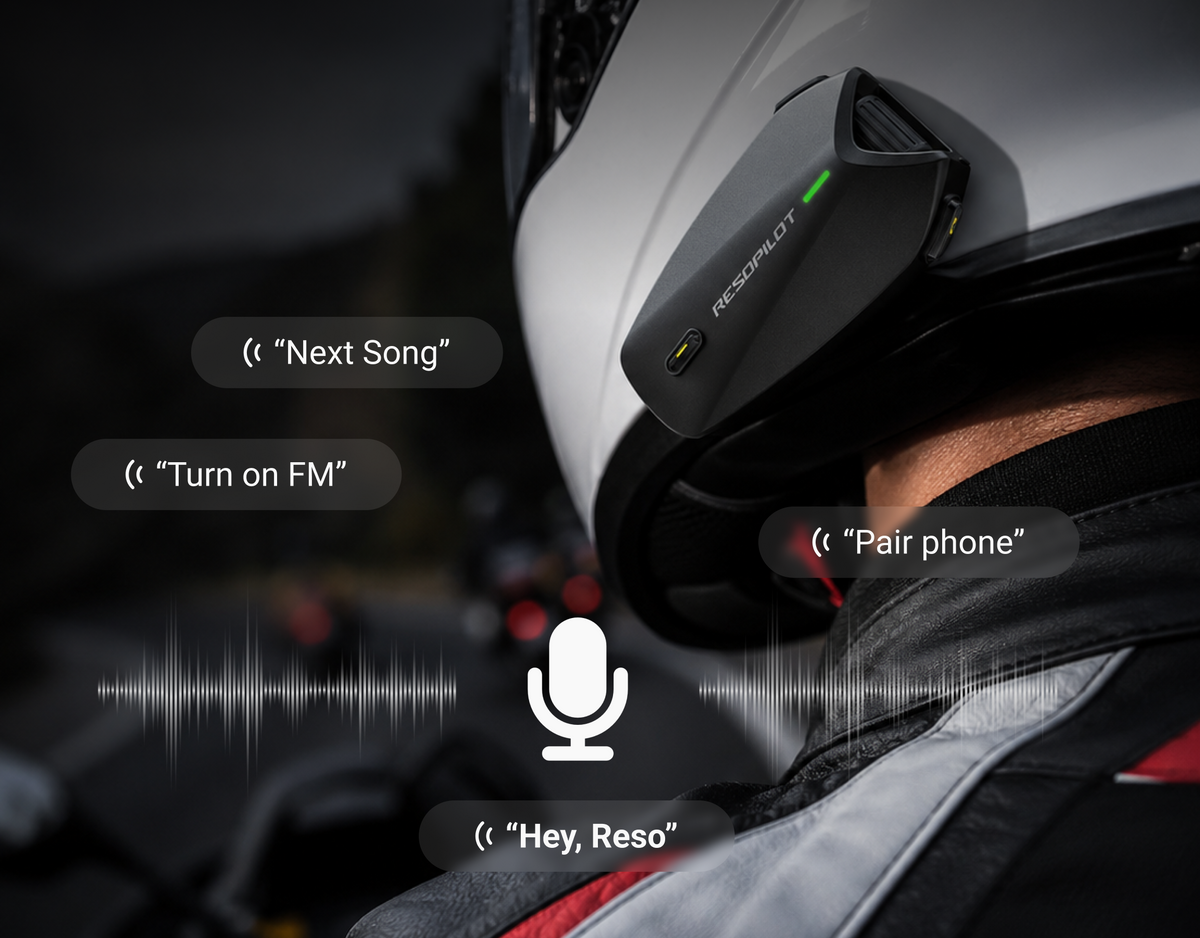
Just Ask. Keep Riding.
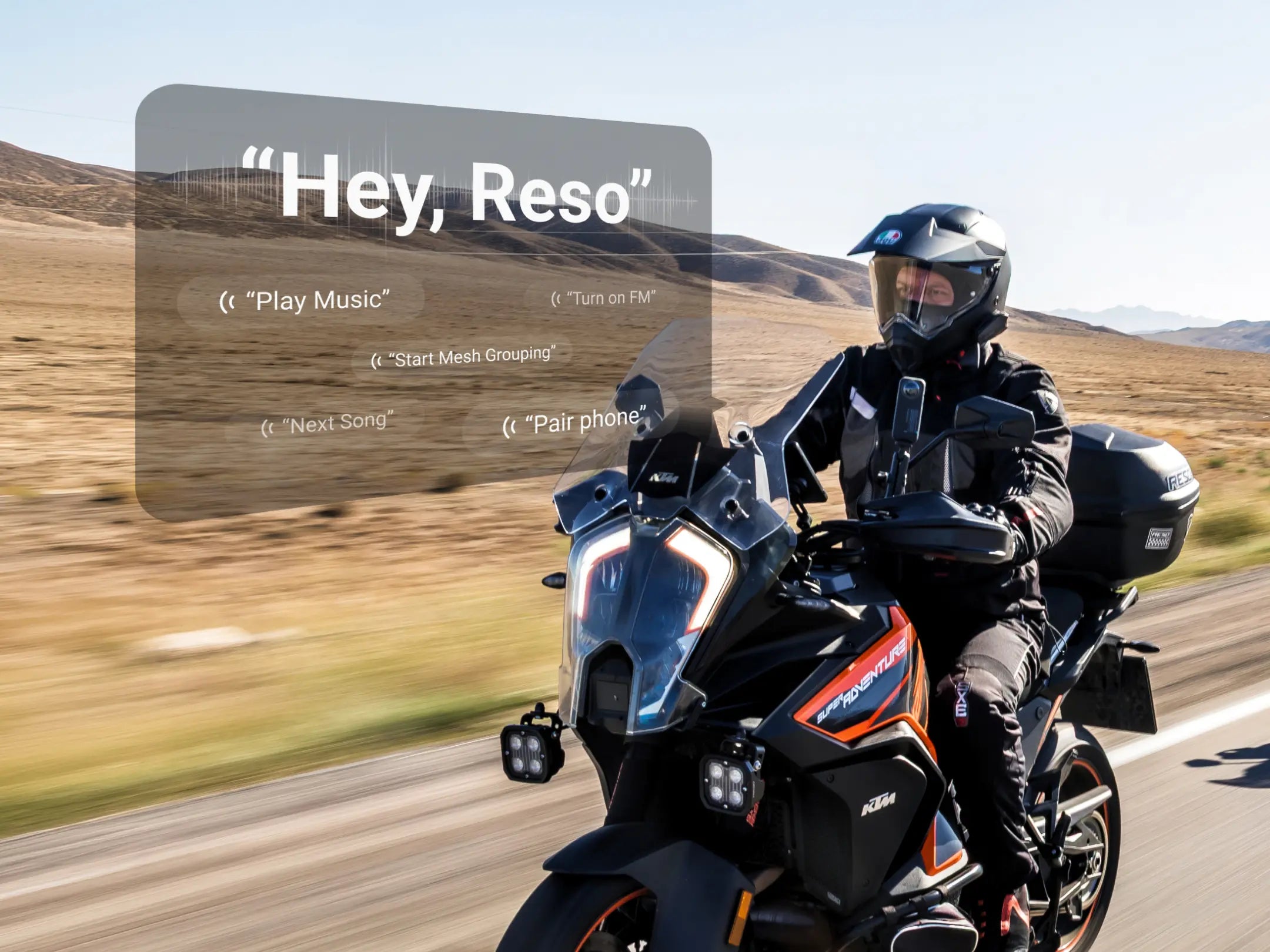
Control key functions with your voice—without taking your hands off the bars.
*FM radio is available on RESOPilot Pro only.
Real-time rider location and emergency support.

Live Rider Location
See where your crew is in real time.

Ride History
Built-in GNSS records your route without relying on cellular data.

SOS Support
Alert your emergency contact when it matters most.
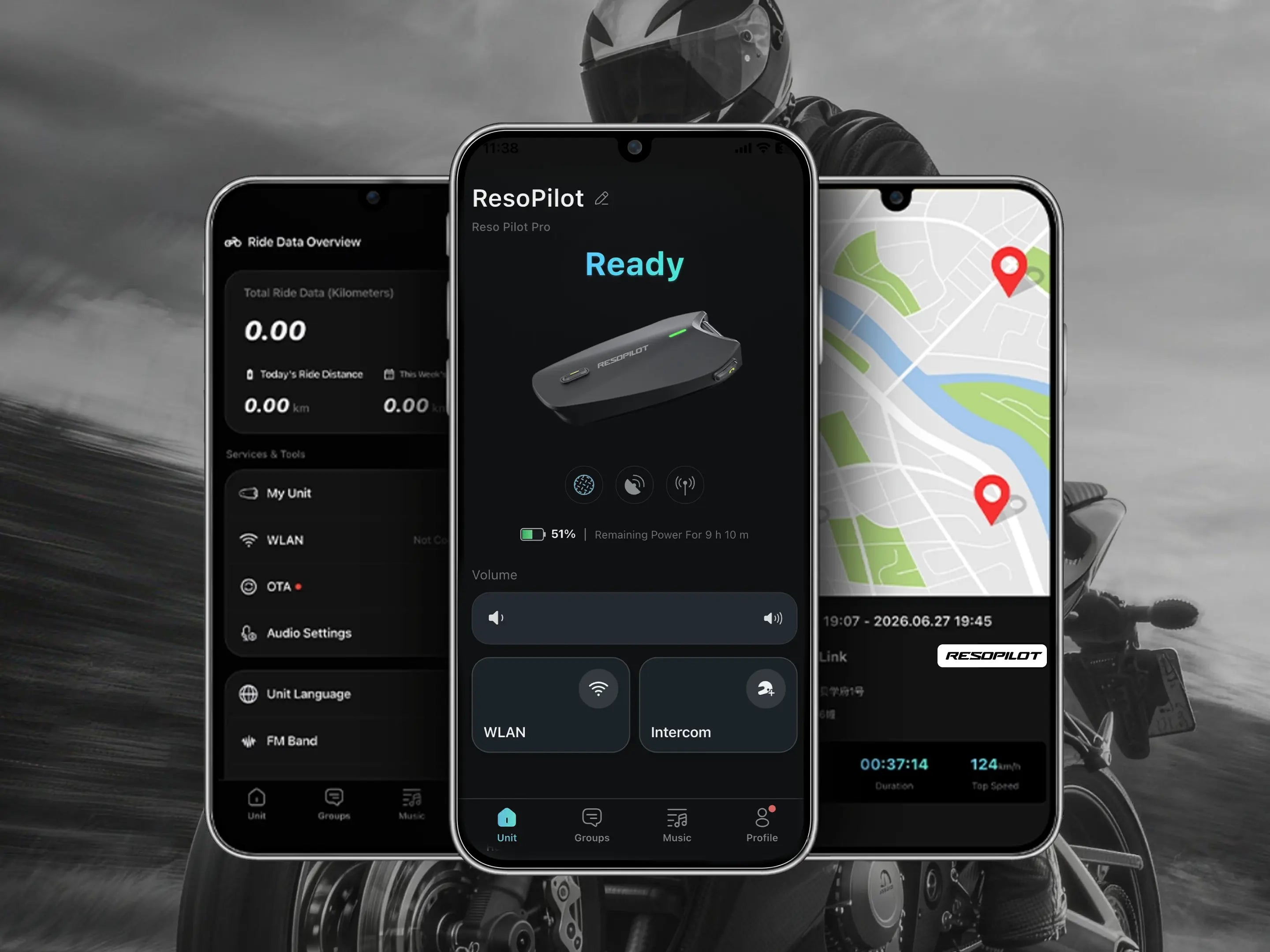
Manage devices, update firmware, create groups, and customize every ride.


Highway speed. Group spacing. Changing weather. Real riders.
RESOPilot Pro initial review and comparison
Staying Connected | Testing the RESOPilot

RESO × QJMOTOR Factory Team | WSBK Prep Mode ON

No videos found for this tag.


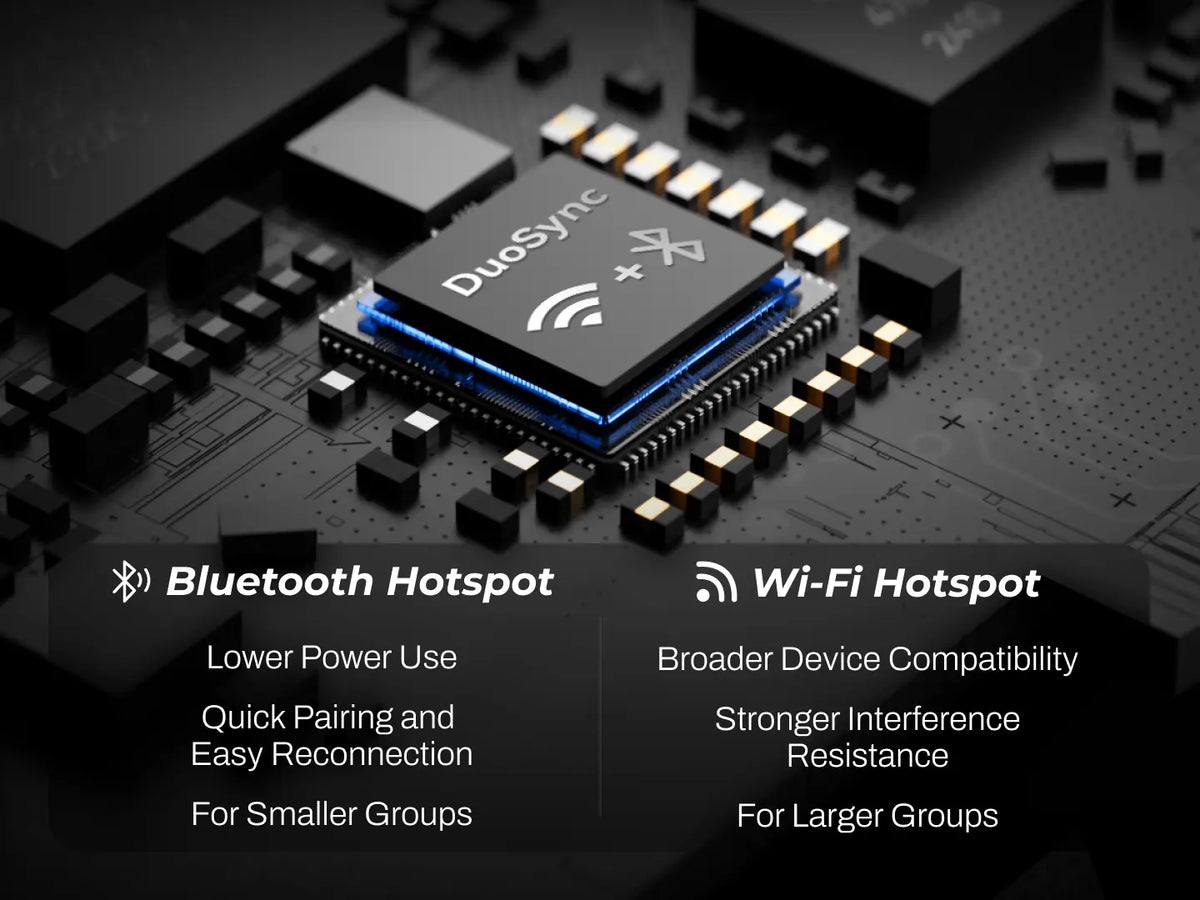
DuoSync technology delivers a seamless fusion of hardware and software mesh that automatically and instantly switches between connection paths. Even when distance or signal fluctuations cause dropouts, the system automatically reconnects without manual intervention, ensuring uninterrupted coverage. With an available internet connection, such as a mobile hotspot,software Mesh can extending your communication range without limits.
Mobile Hotspot / Wi-Fi:
Connect your device through the Reso Link App, then select and connect to a hotspot or Wi-Fi network. Once the connection is established, Software Mesh will be activated automatically.
Bluetooth Tethering:
For iPhone users:Go to Settings > Personal Hotspot and enable “Allow Others to Join.” We recommend turning off “Maximize Compatibility.” Then put your RESOPilot device into Bluetooth pairing mode and find and connect to the RESOPilot device from your phone’s Bluetooth list.
For Android users:Go to Settings > Personal Hotspot / Tethering and enable “Bluetooth tethering.” Then pair and connect your RESOPilot device through your phone’s Bluetooth settings.
With DuoSync technology, Hardware Mesh and Software Mesh work together to support up to 30 users in group communication. Hardware Mesh alone supports up to 15 users.
Full-Load Mode (Dual Mesh + Music + GNSS): ~13 hours
Audio / Navigation Mode (Audio Playback + GNSS): ~18 hours
Power-Saving Mode (Bluetooth Intercom only): ~33 hours
Powered by 15W fast charging, a quick 5-minute charge delivers up to around 2 hours of use, and 30 minutes gets you to about 80%.A full charge takes approximately 55 minutes.
Pro : Supports both USB-C Connection and Direct Bluetooth Connection.
Compatibility List:
1.USB-C Connection:
DJI Osmo 360 /360 II/ Action 3/ Action 4/Action 5 Pro/ Action 6
2.Direct Bluetooth Connection:
Insta360 X2 / X3 / X4 / X5 / X6 / Ace Pro / Ace Pro 2
DJI OSMO 360 / 360 Ⅱ/Action 6
GoPro HERO12
Pro support three ways to create a group:
1. Using the device buttons: After powering on, all members who want to join the group should press and hold the Mesh button to enter group setup mode. The indicator will flash red and green alternately. After successfully joining the group, it will flash green and purple alternately. Once the voice prompt confirms that the group member count is correct, any member can press and hold the Mesh button again to complete the group setup.
2. Using voice commands: Say “Hey, Reso” / “Hey, Pilot” → “Start Mesh Teaming” / “Start Mesh Grouping.”
3. Using the Reso Link App: Open the group function in the app and follow the instructions to create or join a group.
Compatibility: Pro, Neo, and Lite are compatible with each other and can join the same group for intercom communication.
Up to 7.5 miles / 12 km (Hardware Mesh) | Unlimited range with DuoSync technology (Software Mesh).
The warranty timeline varies by Product category:
RESOPilot Pro, Neo, Lite: 3-Year Limited Warranty
Accessories: 1-Year Limited Warranty
Full-Load Mode (Active Mesh Intercom + Bluetooth Music): ~24 hours of continuous use.
Powered by 15W fast charging, a quick 5-minute charge delivers up to around 2 hours of use, and 30 minutes gets you to about 80%.A full charge takes approximately 55 minutes.