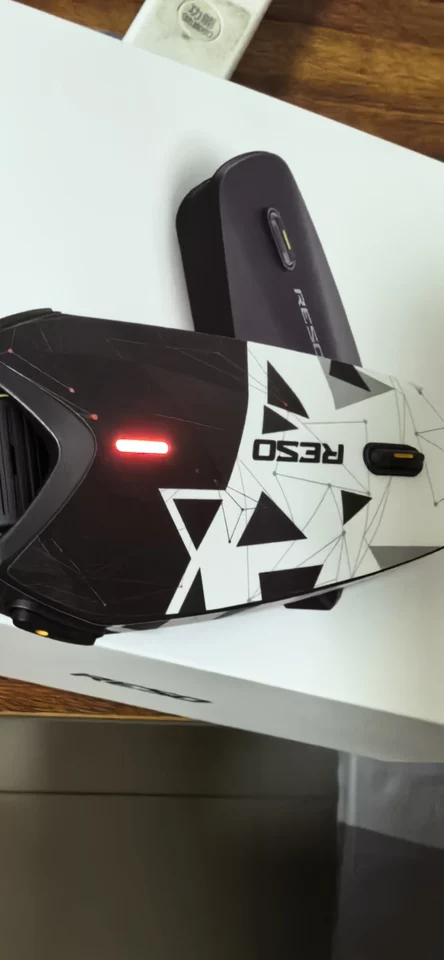
Check out RESOPilot through the link in my description!


One Connected Crew. Ride together as one group, even when using different intercom brands. Connect with Cardo, Sena, and other compatible devices without switching to the same brand.
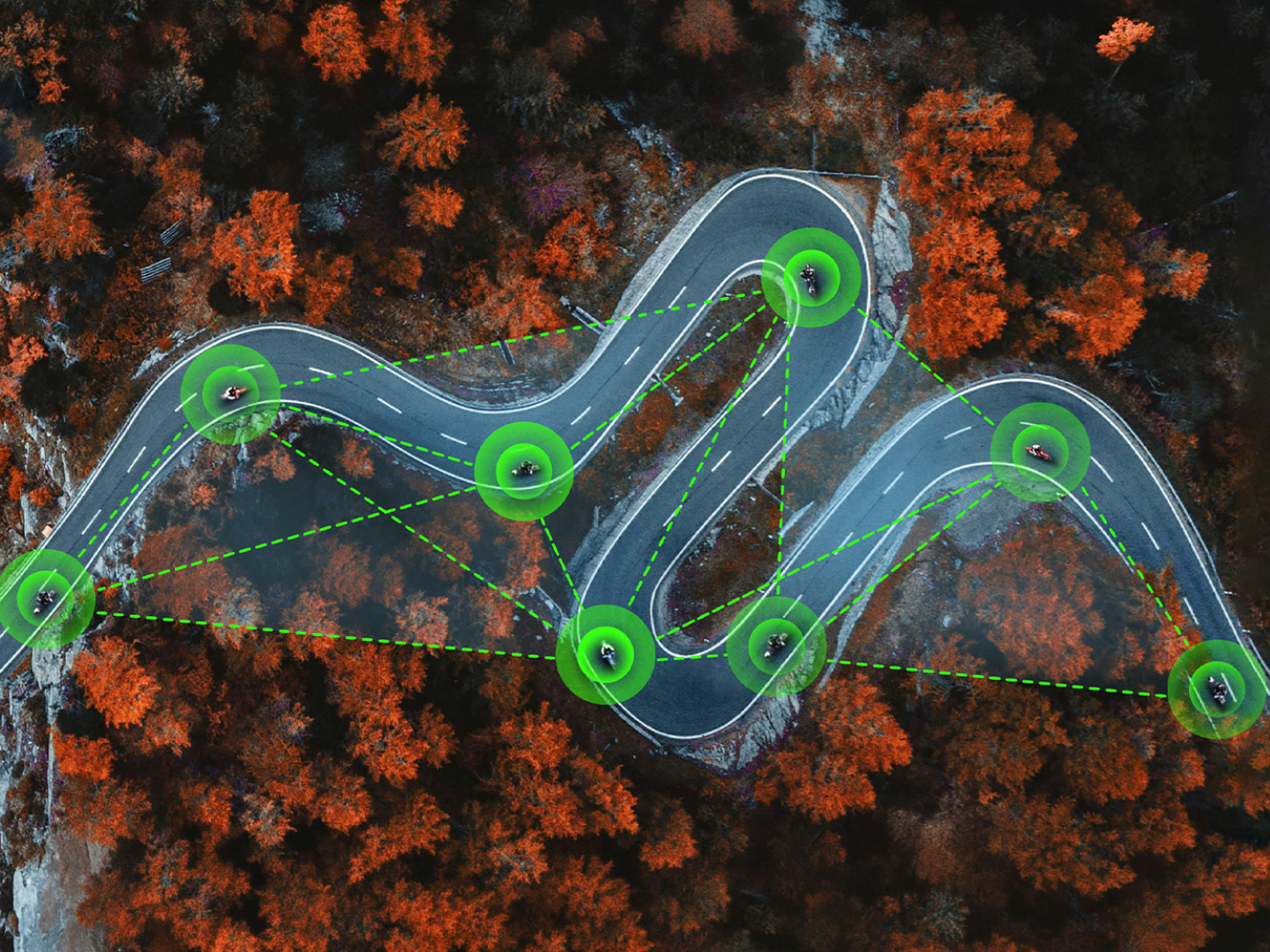
Get up to 7.5 miles group range with hardware mesh, or go beyond distance limits with software mesh. Automatic switching and reconnection help keep the group connected.
Enjoy clear audio at speeds up to 110 mph with AI wind noise reduction, clearer rider voices, and adaptive audio mixing for balanced sound.
Support both USB-C and direct Bluetooth connections, allowing you to capture clear individual and group intercom audio:
1.USB-C Connection:
DJI Osmo 360 /360 II/ Action 3/ Action 4/Action 5 Pro/ Action 6
2.Direct Bluetooth Connection:
Insta360 X2 / X3 / X4 / X5 / X6 / Ace Pro / Ace Pro 2,
DJI OSMO 360 / 360 Ⅱ/ACTION 6,
GoPro HERO12
Up to 13 hours with Dual Mesh + Music + GNSS, around 18 hours with Audio + GNSS, or up to 33 hours in Bluetooth-only mode. With 15W Super-Fast Charging, just 5 minutes of charging delivers up to 2 hours of use.
Real-time location, ride history, SOS support and IP67 weather protection—built to keep you safe on every ride.
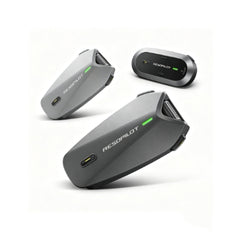
Which RESOPilot Fits Your Ride?
Find Your Perfect MatchGear up your crew and save more when you buy multiple intercoms.
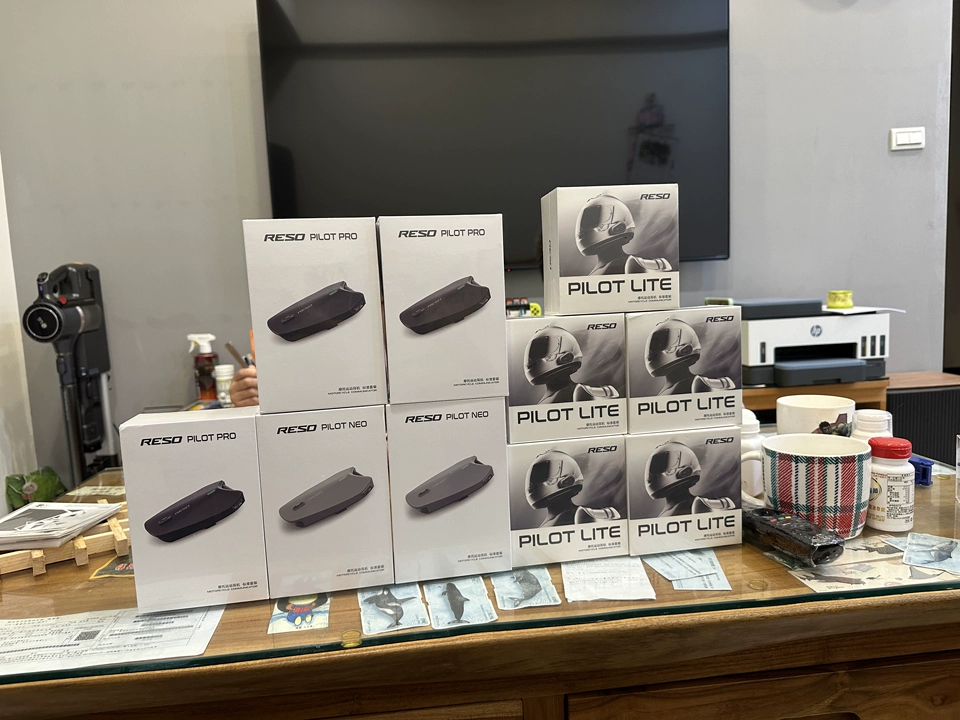
RESOPilot Pro Motorcycle Helmet Intercom
1M+ Intercoms Sold
Trusted across Asia
3-Year Warranty
30-Day Return Window
Fast U.S. Delivery
And tested by riders on real roads.
Check out RESOPilot through the link in my description!
The ResoPilot Pro is actually goated👐

Discount code- NEWCUSTOMER🔥
She used to hate not being able to talk to me, but with the RESOpilot Pro,your backpack will finally enjoy the ride
RESOPilot Pro initial review and comparison

Staying Connected | Testing the RESOPilot

The Reso Pilot Pro Intercom Installation And Audio Test

Is the ResoPilot Pro a Cardo Killer? | Real World Testing

No videos found for this tag.
Stay connected. Hear clearly. Capture every ride.

Hear the Rider, Not the Wind
Clear at 110 mph
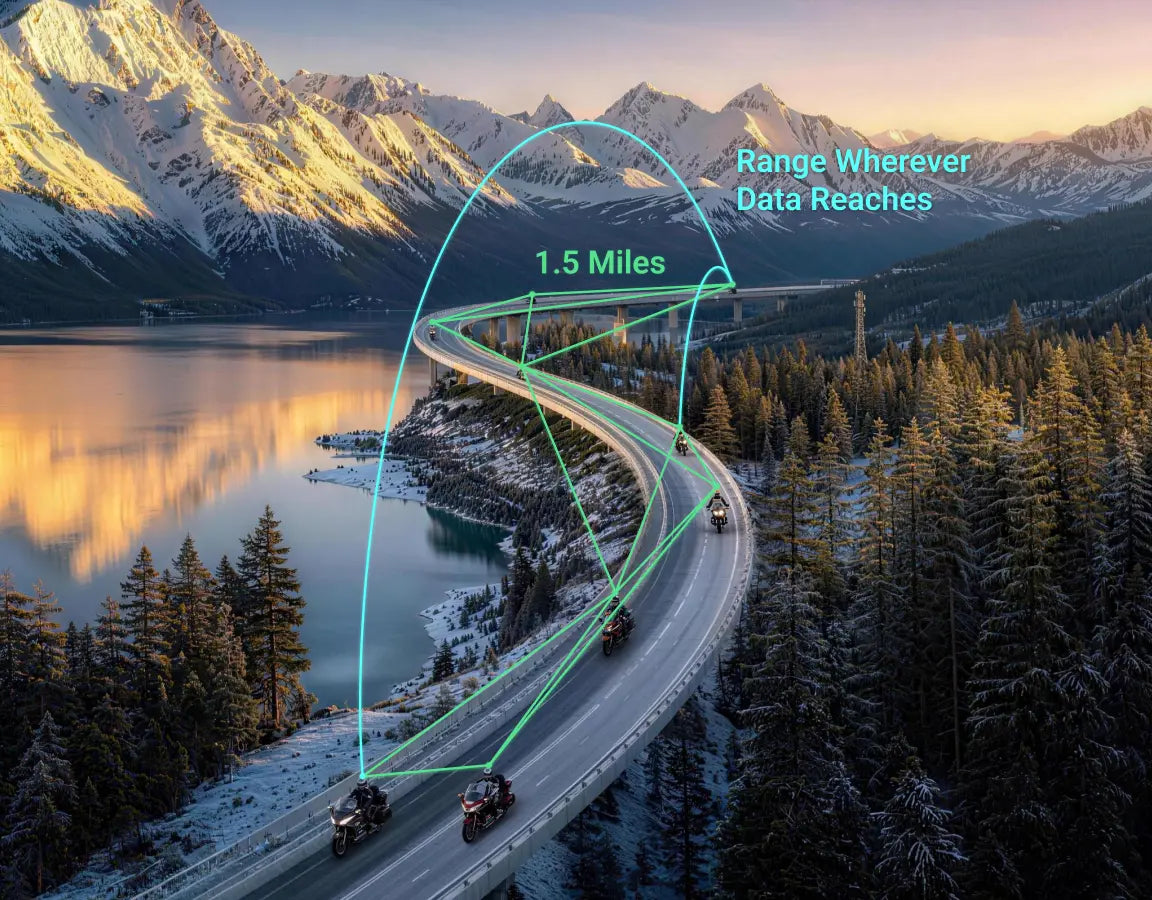
World's 1st Intercom with Hardware & Software Mesh

Cross-Brand Connection
Ride with different intercom brands.

Ride Longer, Charge Less
5 minutes ≈ 2 hours of riding

Capture What Other Intercoms Leave Out
Compatible with select GoPro, DJI Action and Insta360 cameras

Larger Private Groups——Up to 30 Riders
More Riders. Longer Group Range.
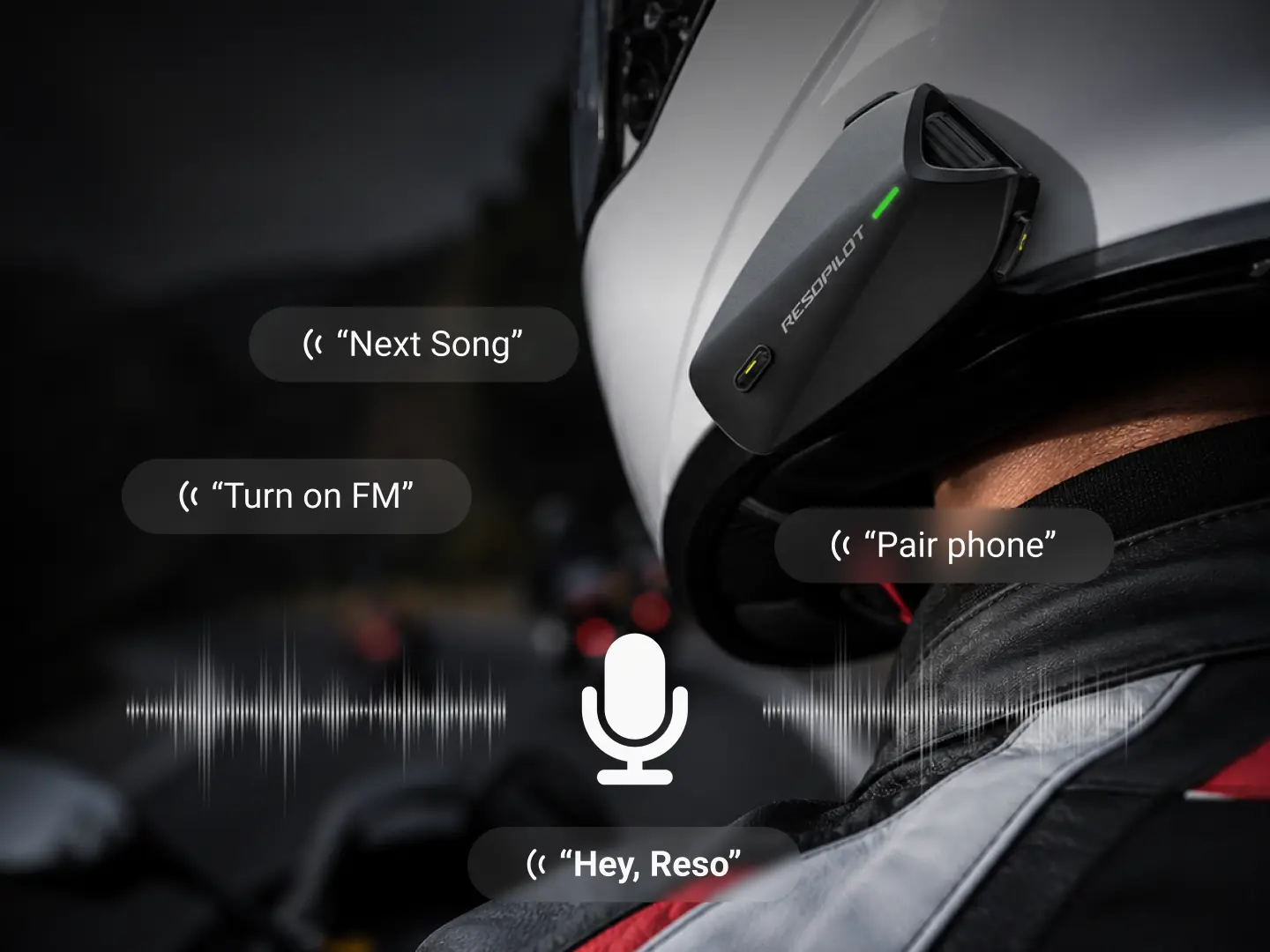
Less Touch, More Focus
1M+ Intercoms Sold Worldwide • 3-Year Warranty • Real-Road Tested

Ride together without switching to the same intercom brand.


Riders using different intercom brands can join the same group conversation.
Connection method and available features may vary by device and mode.
| Connection | Music & Navigation | Camera Audio | DuoSync |
|---|---|---|---|
| Cardo Models* | Available | Not Available | DuoSync Fully Available |
| Sena Mesh 2.0 | Available | Available | Hardware Mesh Channel in Use |
| Other intercoms via Bluetooth | Not Available | Not Available | DuoSync Fully Available |
Conventional intercoms stop where local Mesh ends, while RESO keeps going.


*Up to 30 Riders on Pro.


Lab wind noise test
Hear the Difference Under Controlled Wind Conditions
Tested in a controlled acoustic lab with simulated wind speeds up to 180 km/h.
Long-lasting power, fast charging, and added protection for every mile

Capture the ride—with cleaner audio from you or the whole crew.
Compatible with select GoPro, DJI Action, and Insta360 cameras.

Connect via USB
Connect via Bluetooth
Just Ask. Keep Riding.
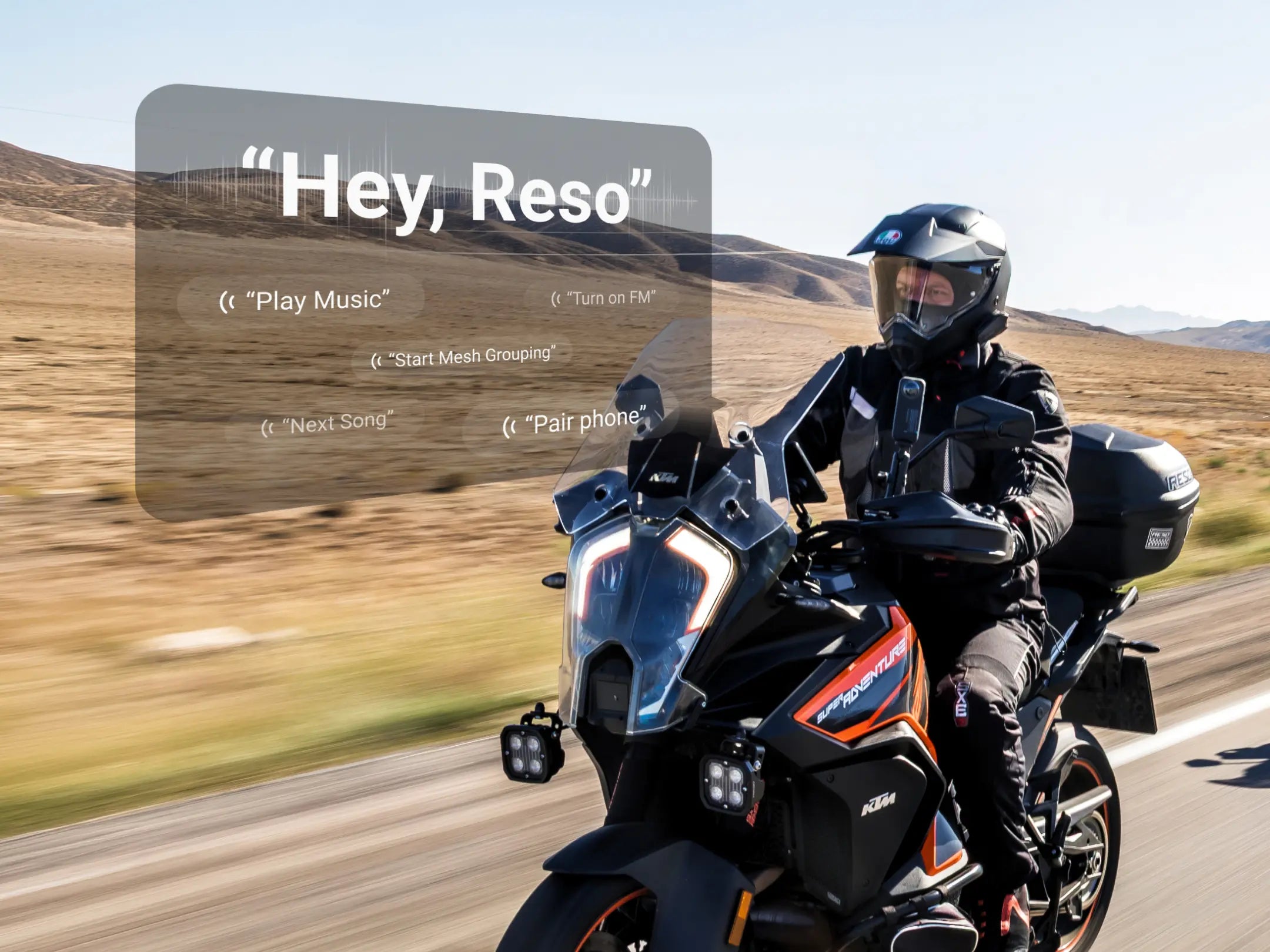
Control key functions with your voice—without taking your hands off the bars.
Real-time rider location and emergency support.

Live Rider Location
See where your crew is in real time.

Ride History
Built-in GNSS records your route without relying on cellular data.

SOS Support
Alert your emergency contact when it matters most.

Manage devices, update firmware, create groups, and customize every ride.


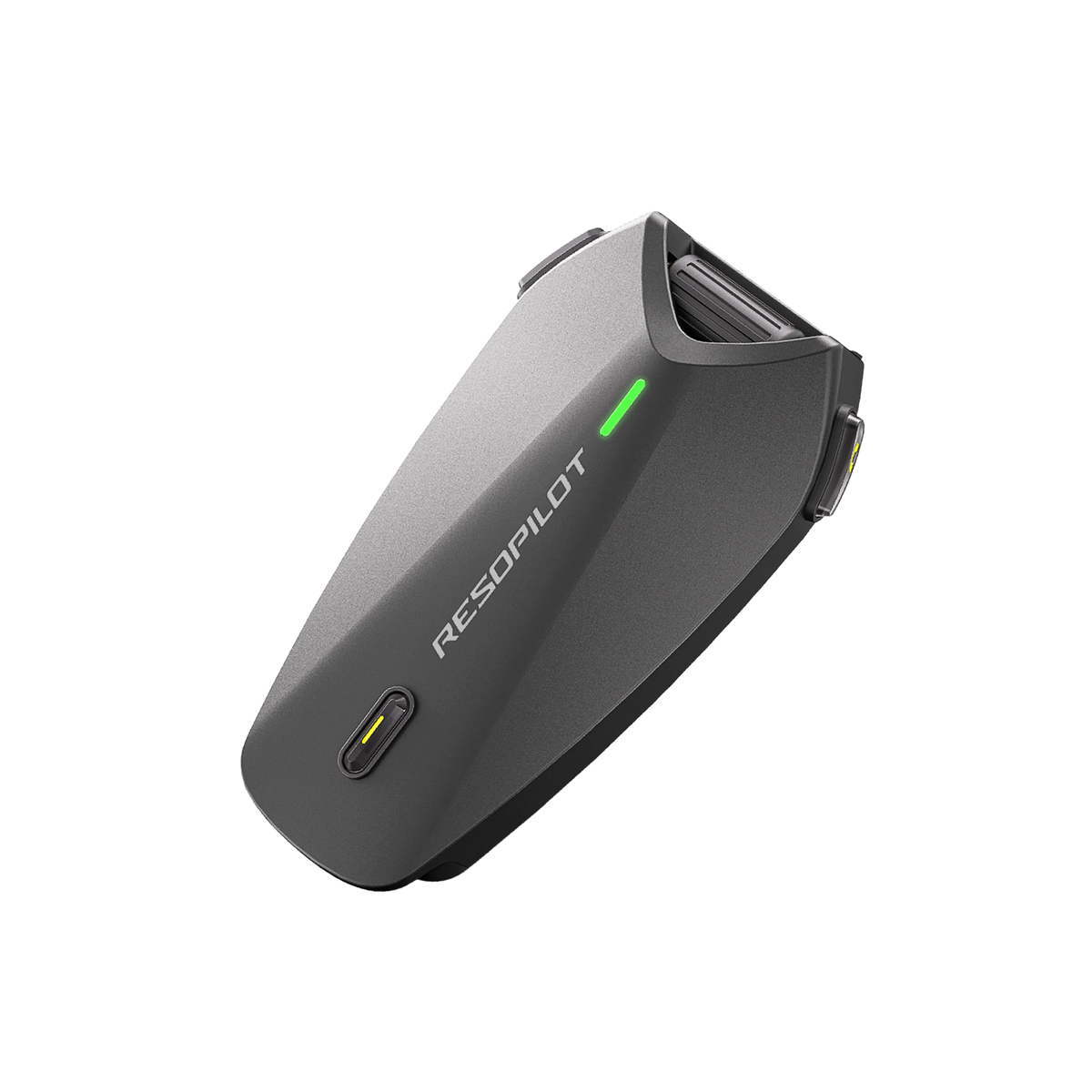
RESO Pilot Pro

Base
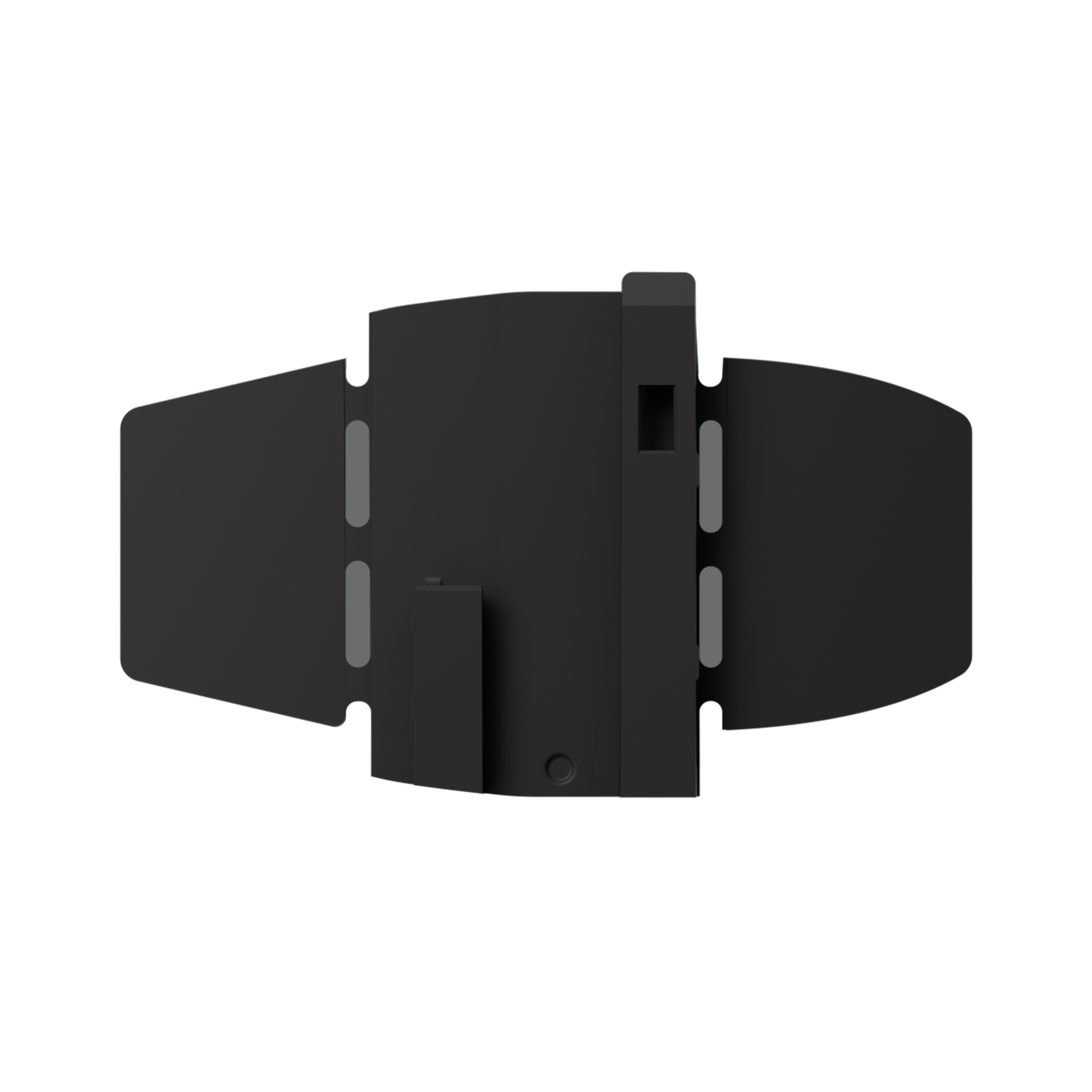
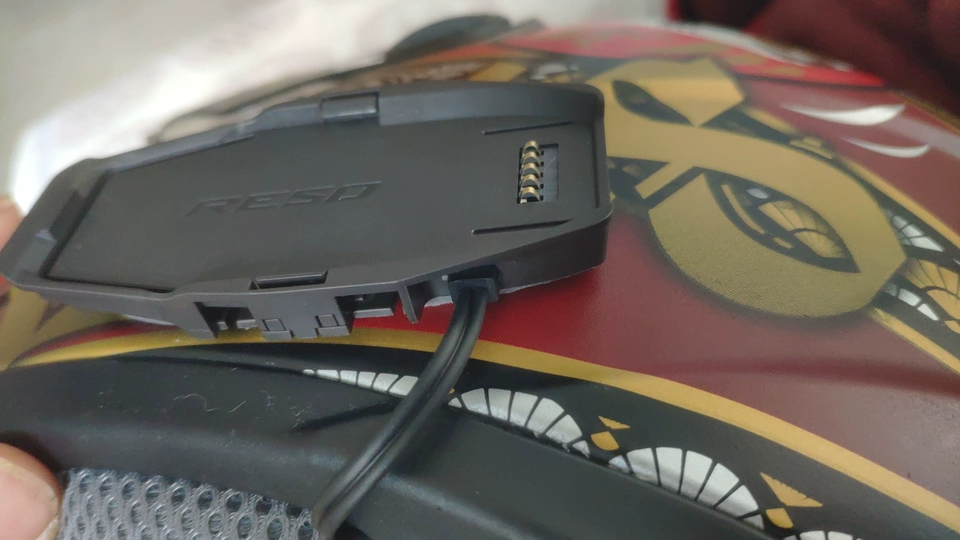
Adhesive Mount

40mm Speaker

Wired Microphone

Boom Microphone

Clip Mount

USB Charge Cable

Velcro Set
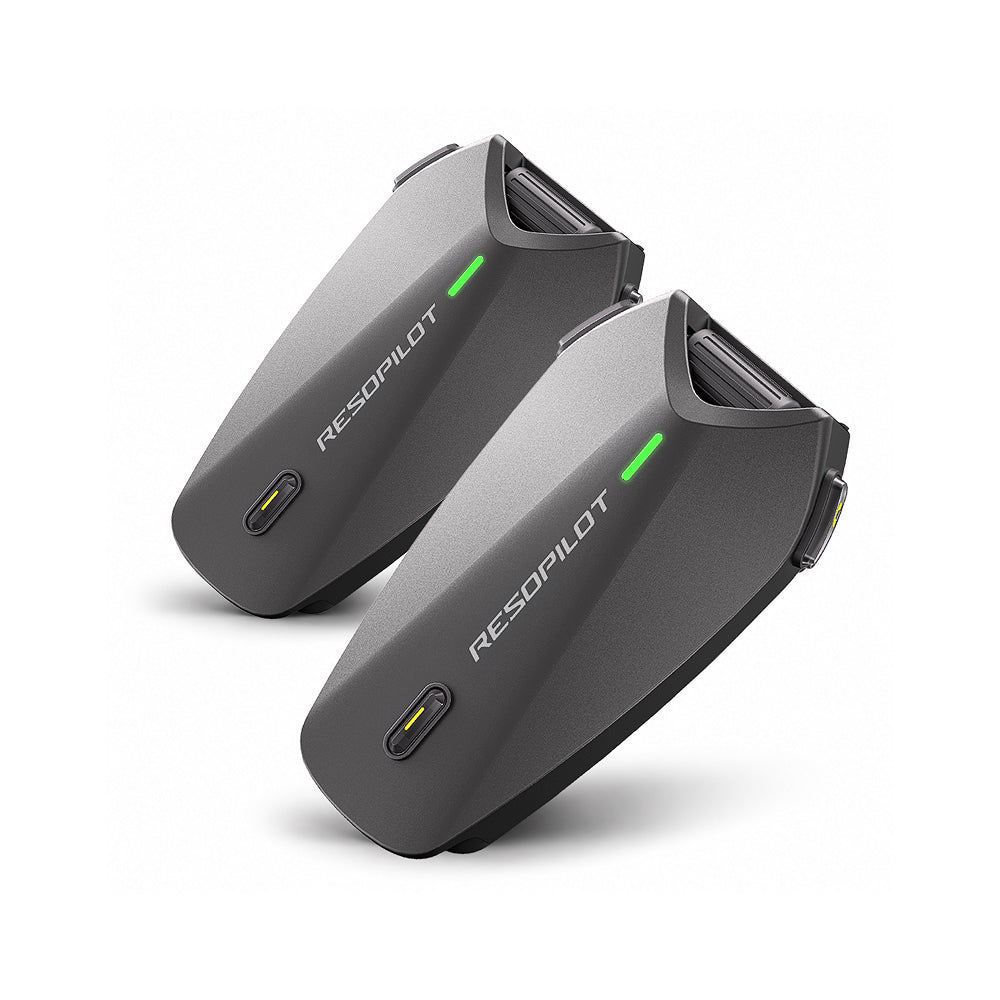
RESOPilot Pro Dual Pack
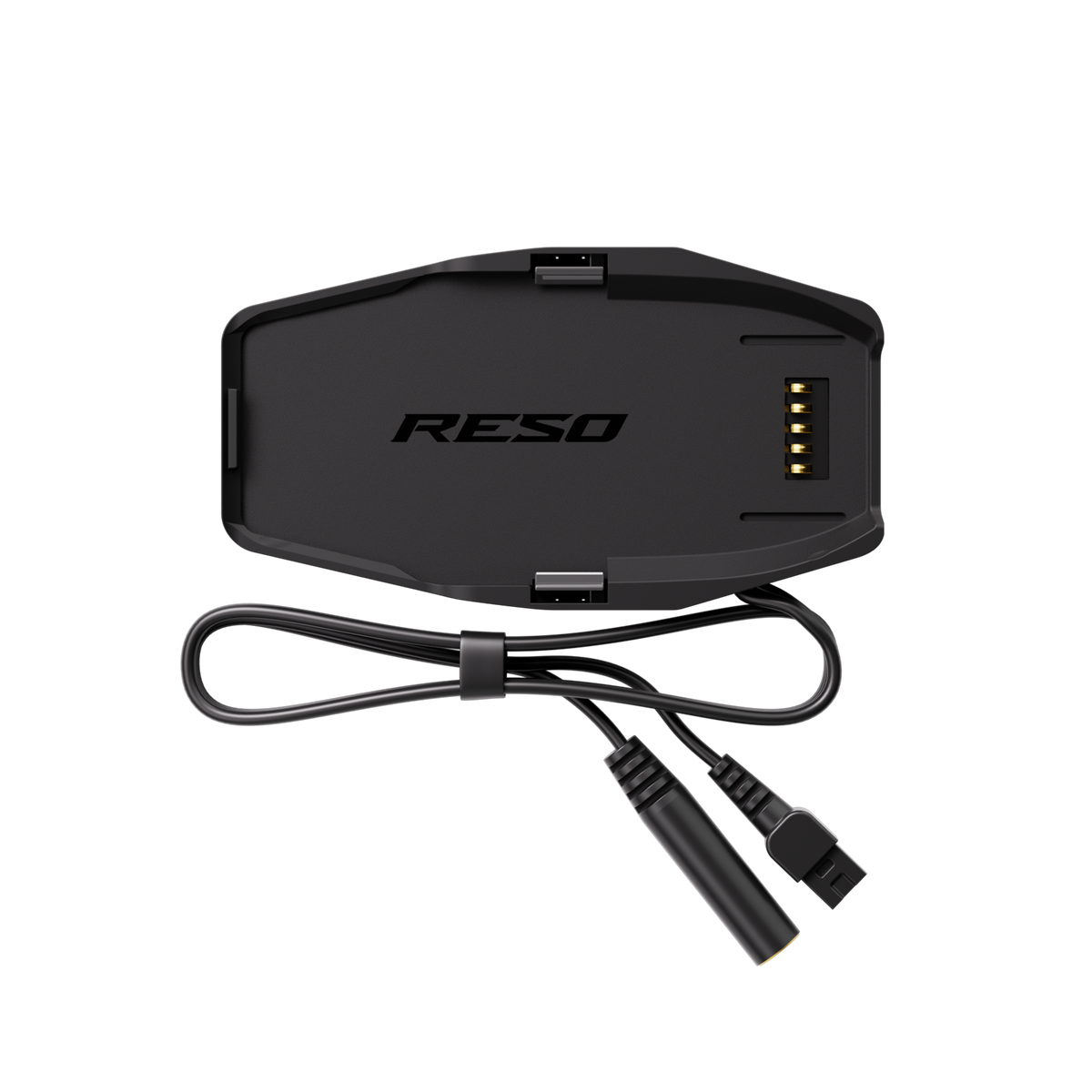
2x Base
2x Adhesive Mount
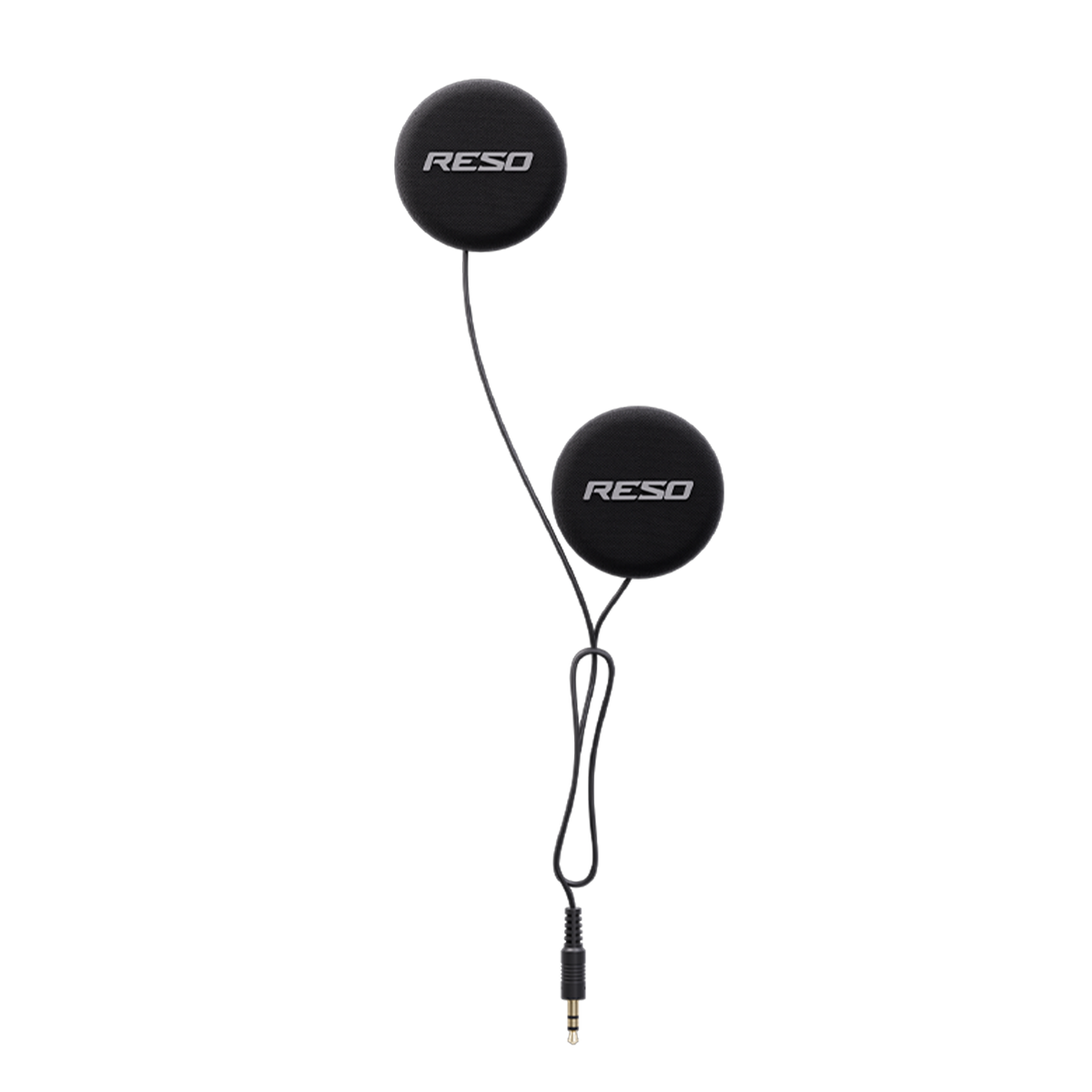
2x 40mm Speaker
2x Wired Microphone
2x Boom Microphone
2x Clip Mount
2x USB Charge Cable
2x Velcro Set
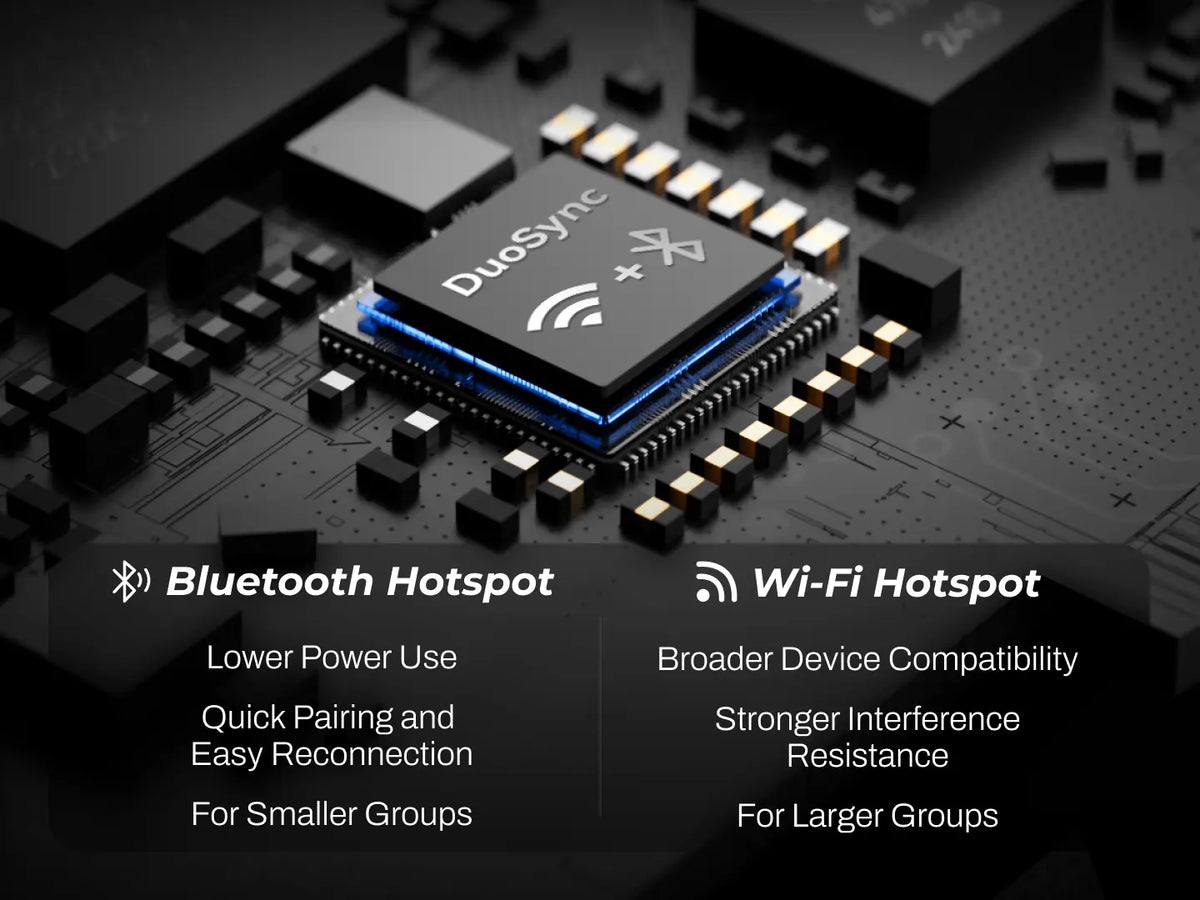
DuoSync technology delivers a seamless fusion of hardware and software mesh that automatically and instantly switches between connection paths. Even when distance or signal fluctuations cause dropouts, the system automatically reconnects without manual intervention, ensuring uninterrupted coverage. With an available internet connection, such as a mobile hotspot,software Mesh can extending your communication range without limits.
RESOPilot Pro features DuoSync technology (Dual Mesh), while RESOPilot Neo only supports hardware Mesh.Beyond communication capabilities, RESOPilot Pro is equipped with a built-in GNSS Module that enables SOS support and real-time location tracking, whereas RESOPilot Neo does not have a built-in GNSS Module.
For added entertainment, RESOPilot Pro also features built-in FM Radio, allowing users to listen to FM radio independently, while RESOPilot Neo does not support FM Radio.
Mobile Hotspot / Wi-Fi:
Connect your device through the Reso Link App, then select and connect to a hotspot or Wi-Fi network. Once the connection is established, Software Mesh will be activated automatically.
Bluetooth Tethering:
For iPhone users:Go to Settings > Personal Hotspot and enable “Allow Others to Join.” We recommend turning off “Maximize Compatibility.” Then put your RESOPilot device into Bluetooth pairing mode and find and connect to the RESOPilot device from your phone’s Bluetooth list.
For Android users:Go to Settings > Personal Hotspot / Tethering and enable “Bluetooth tethering.” Then pair and connect your RESOPilot device through your phone’s Bluetooth settings.
With DuoSync technology, Hardware Mesh and Software Mesh work together to support up to 30 users in group communication. Hardware Mesh alone supports up to 15 users.
Full-Load Mode (Dual Mesh + Music + GNSS): ~13 hours
Audio / Navigation Mode (Audio Playback + GNSS): ~18 hours
Power-Saving Mode (Bluetooth Intercom only): ~33 hours
Powered by 15W fast charging, a quick 5-minute charge delivers up to around 2 hours of use, and 30 minutes gets you to about 80%.A full charge takes approximately 55 minutes.
Pro : Supports both USB-C Connection and Direct Bluetooth Connection.
Compatibility List:
1.USB-C Connection:
DJI Osmo 360 /360 II/ Action 3/ Action 4/Action 5 Pro/ Action 6
2.Direct Bluetooth Connection:
Insta360 X2 / X3 / X4 / X5 / X6 / Ace Pro / Ace Pro 2
DJI OSMO 360 / 360 Ⅱ/Action 6
GoPro HERO12
Pro support three ways to create a group:
1. Using the device buttons: After powering on, all members who want to join the group should press and hold the Mesh button to enter group setup mode. The indicator will flash red and green alternately. After successfully joining the group, it will flash green and purple alternately. Once the voice prompt confirms that the group member count is correct, any member can press and hold the Mesh button again to complete the group setup.
2. Using voice commands: Say “Hey, Reso” / “Hey, Pilot” → “Start Mesh Teaming” / “Start Mesh Grouping.”
3. Using the Reso Link App: Open the group function in the app and follow the instructions to create or join a group.
Compatibility: Pro, Neo, and Lite are compatible with each other and can join the same group for intercom communication.
Up to 7.5 miles / 12 km (Hardware Mesh) | Unlimited range with DuoSync technology (Software Mesh).
Yes. RESOPilot Neo and Pro share the same Hardware Mesh communication Protocol and can connect, group, and communicate seamlessly together.
The warranty timeline varies by Product category:
RESOPilot Pro, Neo, Lite: 3-Year Limited Warranty
Accessories: 1-Year Limited Warranty
DuoSync technology delivers a seamless fusion of hardware and software mesh that automatically and instantly switches between connection paths. Even when distance or signal fluctuations cause dropouts, the system automatically reconnects without manual intervention, ensuring uninterrupted coverage. With an available internet connection, such as a mobile hotspot,software Mesh can extending your communication range without limits.
RESOPilot Pro features DuoSync technology (Dual Mesh), while RESOPilot Neo only supports hardware Mesh.Beyond communication capabilities, RESOPilot Pro is equipped with a built-in GNSS Module that enables SOS support and real-time location tracking, whereas RESOPilot Neo does not have a built-in GNSS Module.
For added entertainment, RESOPilot Pro also features built-in FM Radio, allowing users to listen to FM radio independently, while RESOPilot Neo does not support FM Radio.
Mobile Hotspot / Wi-Fi:
Connect your device through the Reso Link App, then select and connect to a hotspot or Wi-Fi network. Once the connection is established, Software Mesh will be activated automatically.
Bluetooth Tethering:
For iPhone users:Go to Settings > Personal Hotspot and enable “Allow Others to Join.” We recommend turning off “Maximize Compatibility.” Then put your RESOPilot device into Bluetooth pairing mode and find and connect to the RESOPilot device from your phone’s Bluetooth list.
For Android users:Go to Settings > Personal Hotspot / Tethering and enable “Bluetooth tethering.” Then pair and connect your RESOPilot device through your phone’s Bluetooth settings.
With DuoSync technology, Hardware Mesh and Software Mesh work together to support up to 30 users in group communication. Hardware Mesh alone supports up to 15 users.
Full-Load Mode (Dual Mesh + Music + GNSS): ~13 hours
Audio / Navigation Mode (Audio Playback + GNSS): ~18 hours
Power-Saving Mode (Bluetooth Intercom only): ~33 hours
Powered by 15W fast charging, a quick 5-minute charge delivers up to around 2 hours of use, and 30 minutes gets you to about 80%.A full charge takes approximately 55 minutes.
Pro : Supports both USB-C Connection and Direct Bluetooth Connection.
Compatibility List:
1.USB-C Connection:
DJI Osmo 360 /360 II/ Action 3/ Action 4/Action 5 Pro/ Action 6
2.Direct Bluetooth Connection:
Insta360 X2 / X3 / X4 / X5 / X6 / Ace Pro / Ace Pro 2
DJI OSMO 360 / 360 Ⅱ/Action 6
GoPro HERO12
Pro support three ways to create a group:
1. Using the device buttons: After powering on, all members who want to join the group should press and hold the Mesh button to enter group setup mode. The indicator will flash red and green alternately. After successfully joining the group, it will flash green and purple alternately. Once the voice prompt confirms that the group member count is correct, any member can press and hold the Mesh button again to complete the group setup.
2. Using voice commands: Say “Hey, Reso” / “Hey, Pilot” → “Start Mesh Teaming” / “Start Mesh Grouping.”
3. Using the Reso Link App: Open the group function in the app and follow the instructions to create or join a group.
Compatibility: Pro, Neo, and Lite are compatible with each other and can join the same group for intercom communication.
Up to 7.5 miles / 12 km (Hardware Mesh) | Unlimited range with DuoSync technology (Software Mesh).
Yes. RESOPilot Neo and Pro share the same Hardware Mesh communication Protocol and can connect, group, and communicate seamlessly together.
The warranty timeline varies by Product category:
RESOPilot Pro, Neo, Lite: 3-Year Limited Warranty
Accessories: 1-Year Limited Warranty
The voice activation and volume controls work pretty well. I'm still exploring all the features in the app, but so far, so good.
Absolutely awesome! The voice controls let me change tracks, make calls, adjust the volume, and more without having to fiddle with the buttons. Super convenient! I even tested it on a highway phone call, and the noise reduction was impressive. I don't see myself switching to another brand anytime soon. New helmet, new headset. I'm all set for my next motorcycle trip! Very happy with it!
Works great, and the sound quality is good, too!
Honestly, the build quality is excellent. Call quality is really good, and the audio sounds great with very little background noise. Definitely worth considering!
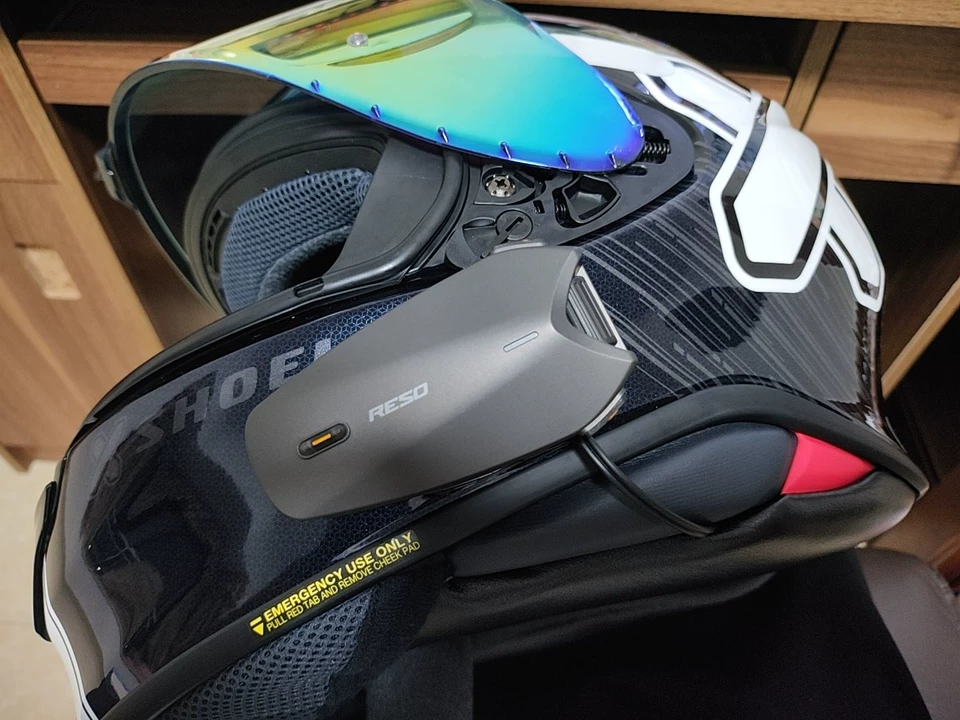
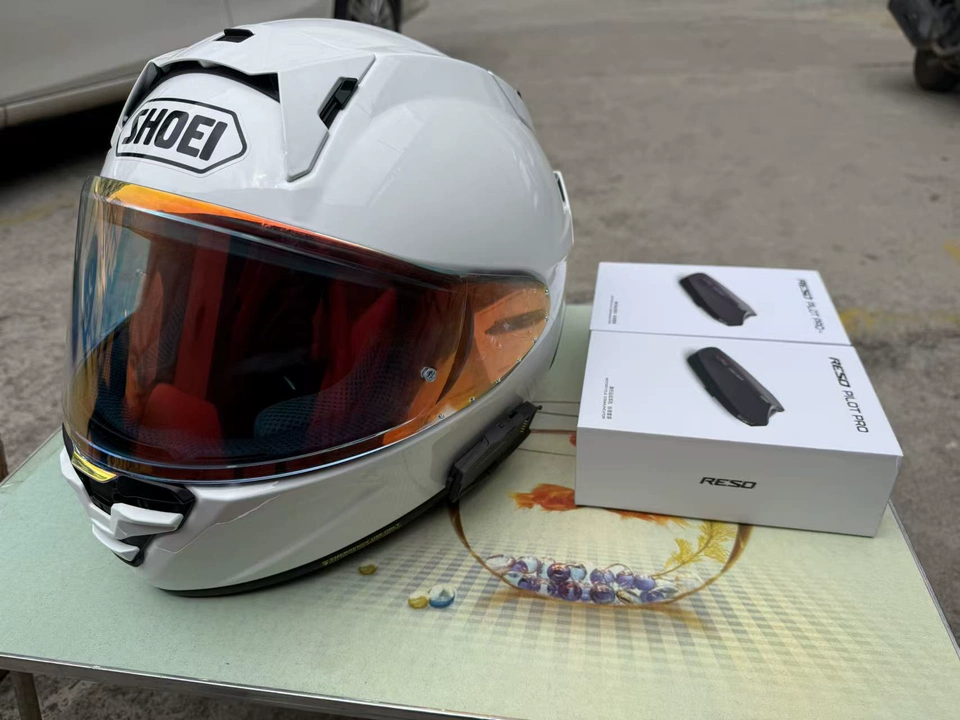
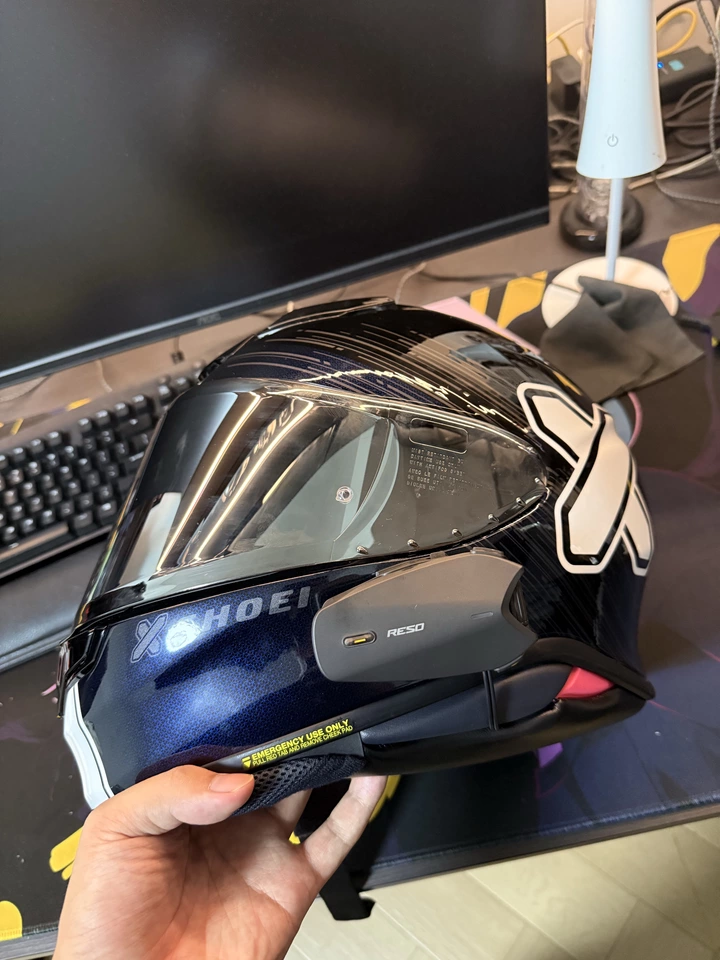
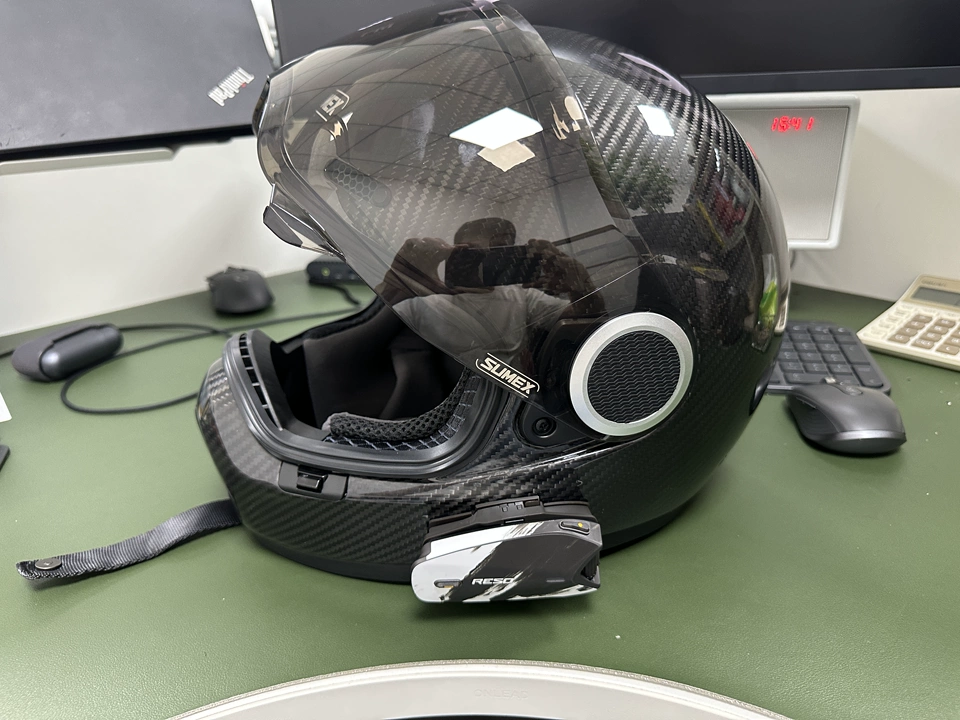
The RESOPilot headset fits my SHOEI X15 really well. No pressure on my ears or face, and the fit is excellent. It connects quickly, the intercom is stable, and wind noise is well controlled at highway speeds. Music and GPS directions are easy to hear, battery life is sufficient, and installation was simple. Makes riding much more comfortable. Highly recommend!
Great packaging and easy installation. I powered it on to test the sound, and it sounded good right away. The quick-release mount is really convenient, too.
The RESOPilot Pro is seriously impressive. The build quality feels premium, and music comes through clearly even while riding. Sound quality is great, and customer service was super patient and helpful! ______
It took me a little while to get used to it, but once I figured everything out, I was really happy with it. The noise reduction is seriously impressive. Customer service was patient and helpful, too. Highly recommend!
Looks awesome and sounds really good. I was originally thinking about getting a Bose speaker setup, but now I don't think it's necessary. Installation was super easy, and the headset feels secure once mounted.
Excellent customer service before and after the purchase! Tested it out on the slopes, and the battery lasted well. Both hardware and software Mesh connections were stable, and the noise reduction worked great.
Packaging was excellent, and everything arrived without a scratch. We connected 10 headsets, and everyone could communicate clearly. This is a great option for group motorcycle trips with 10 or more riders!
So many cool features to play around with! ____
I tested the Bluetooth intercom range, and it's not particularly far on its own. But using the hotspot connection takes things to another level, with communication over much longer distances. The intercom audio is clear and free of noticeable noise. The sound quality is a huge step up from what I used before, and I can still hear my music at 75 mph!
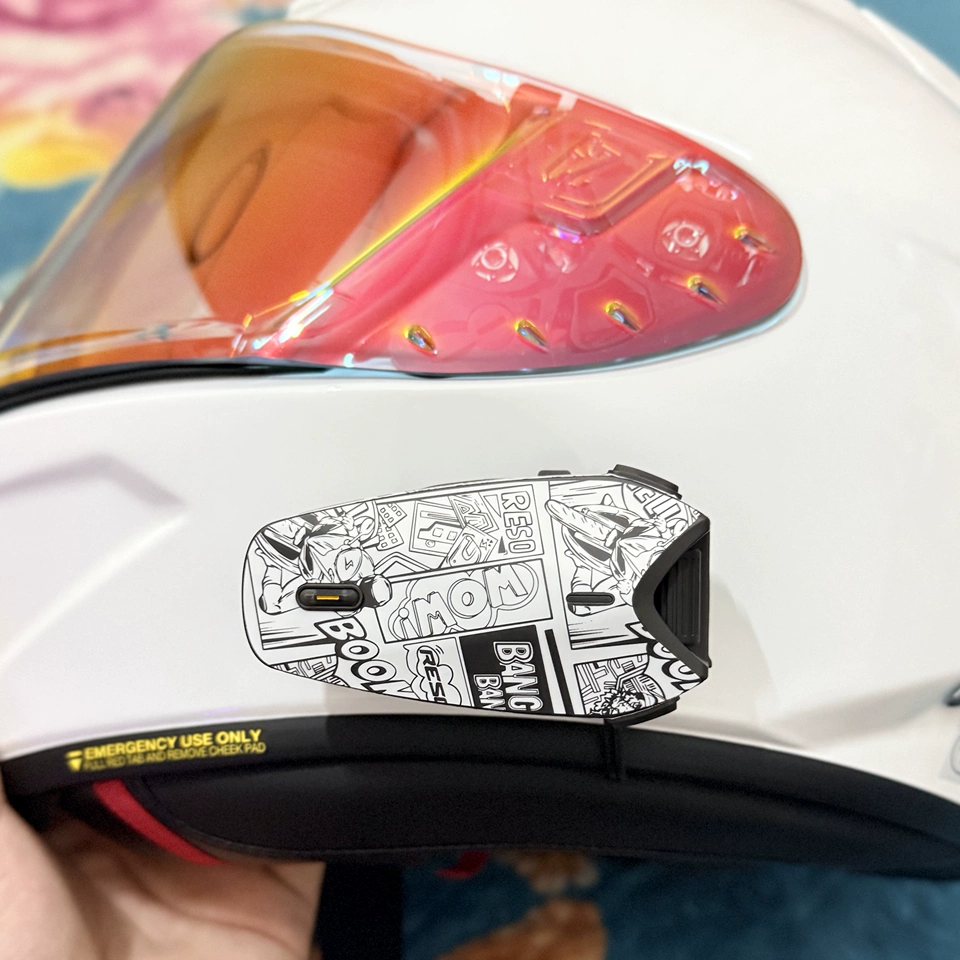
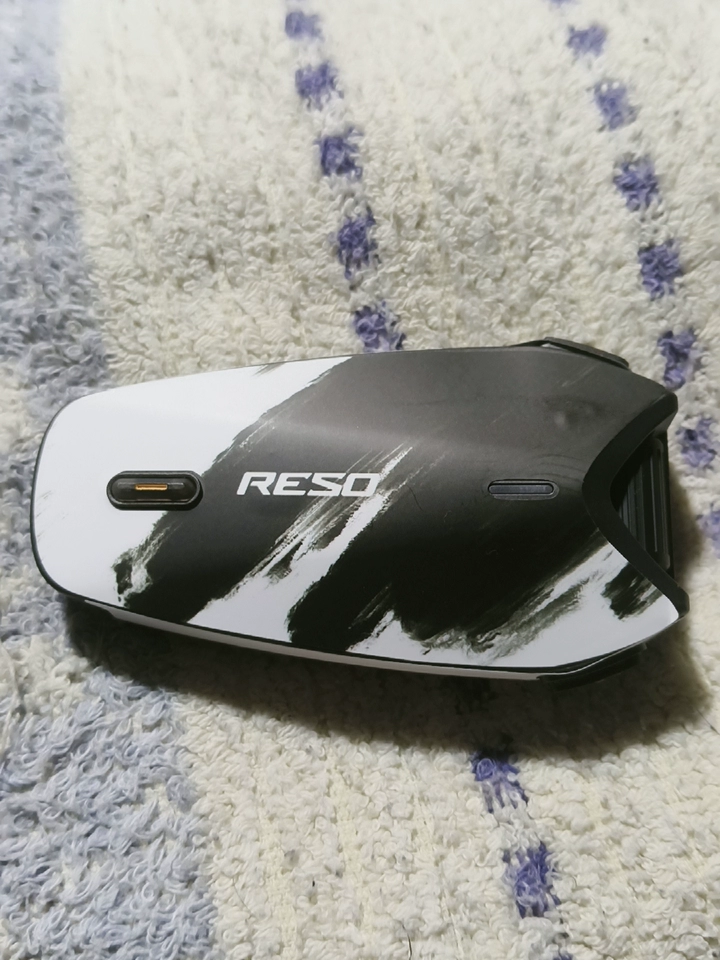
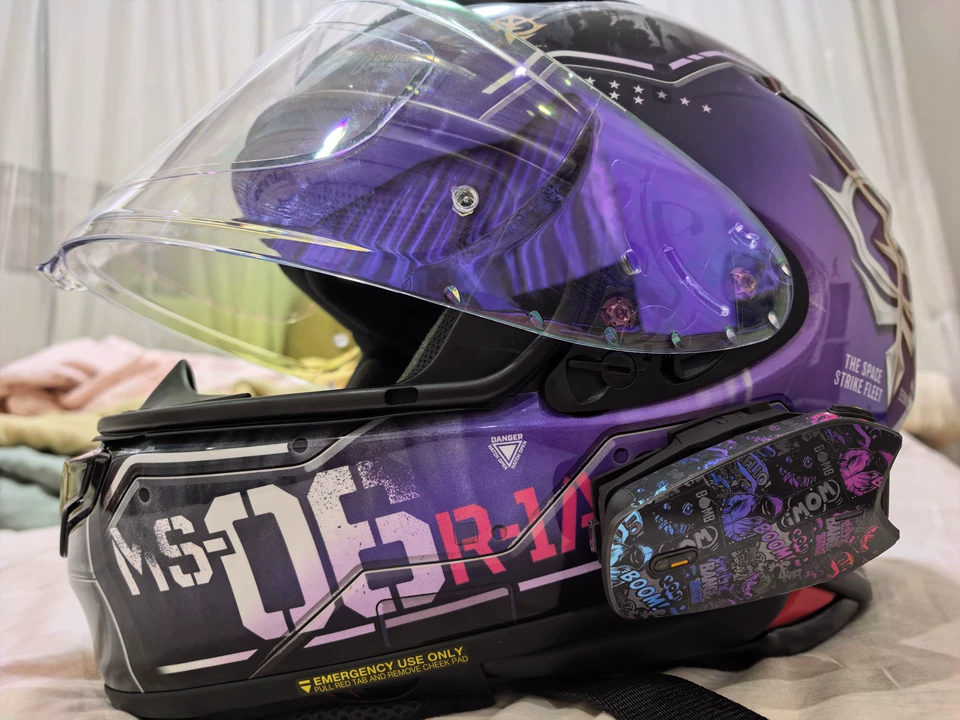
Finally got my matte-black helmet for my Harley and paired it with the black RESOPilot Pro. This combo looks incredible! The matte finish on the headset contrasts nicely with the glossy helmet, making it look like a factory-installed upgrade. They even included some headset stickers, which was a nice little touch. But the noise reduction is what really impressed me. My bike has a pretty loud exhaust, so I was worried I'd struggle to hear anything. Instead, it does a great job reducing engine and wind noise while keeping music and voices clear. Group conversations sound clean, too, with very little background rumble. Battery life is excellent for long-distance rides, so I don't have to worry about charging halfway through. If you ride a big bike or a cruiser and want a headset that handles road noise, looks great, and lets you add your own style, the all-black RESOPilot Pro setup is absolutely worth considering. Sound quality is great, too!
Great headset! The magnetic mount makes installation and removal super easy.
Looks awesome, sounds good, and has a great design. Definitely looks the part!
Looks awesome, sounds good, and has a great design. Definitely looks the part!
Excellent!
Easy to install, and the battery life is pretty good. Sound quality is decent, though I wouldn't mind upgrading the speakers.
A bunch of my riding buddies already use this headset. Makes it easy to stay connected on group rides, and it works great!
Great battery life, good water resistance, and lightweight, too. Makes group rides much easier!
I've been using the RESOPilot Pro for a while and tested it on both twisty mountain roads and shorter motorcycle trips. Overall, I'm really impressed. The AI noise reduction works great, and even with heavy wind noise at highway speeds, I can still hear my riding buddies clearly. The Mesh connection is stable and reconnects quickly if the signal drops. It fits my helmet well without putting noticeable pressure on my head. Battery life easily lasts through a full day of riding, and the water resistance has held up well in light rain. Music sounds good, and the buttons are easy to operate by feel while riding. A really practical headset for anyone who regularly rides with a group. Highly recommend!